Draw Rays On Photoshop
Draw Rays
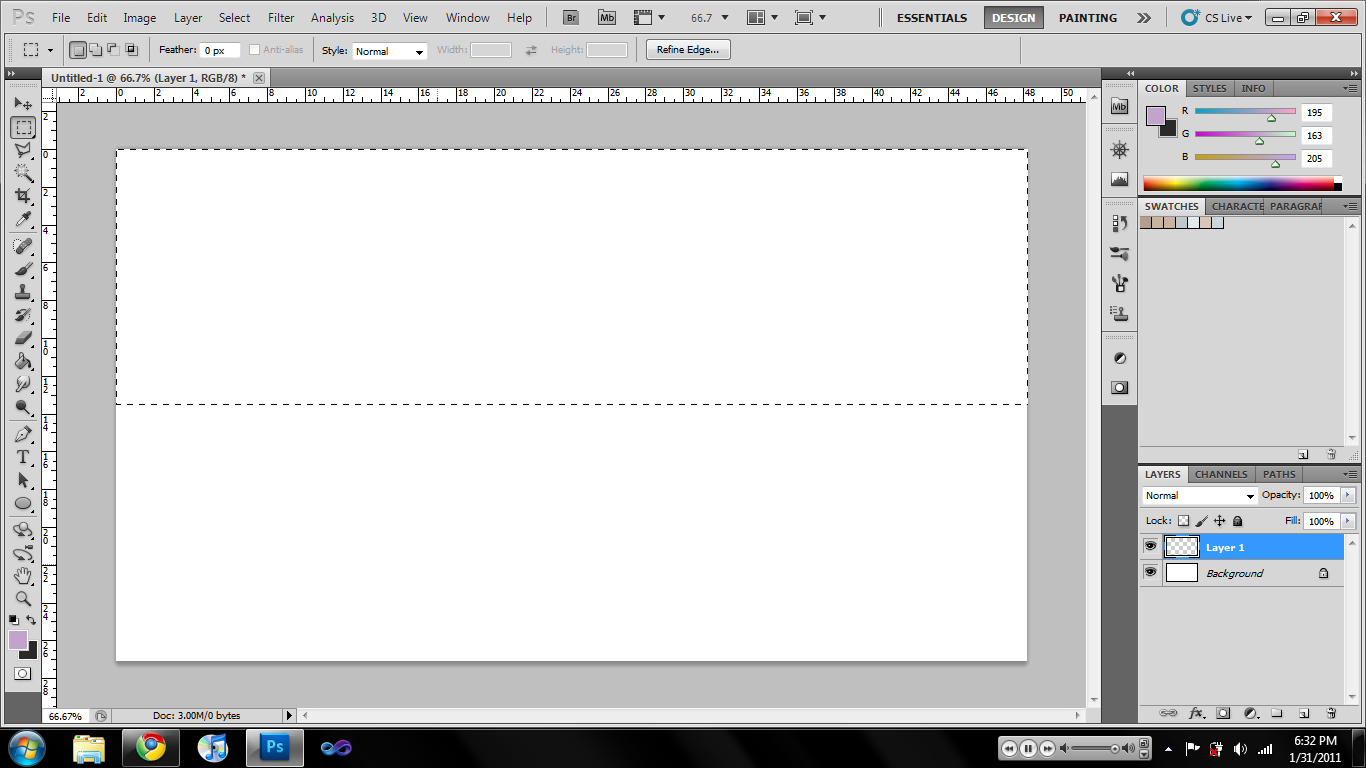
Prepare an empty layer. Draw a rectangular marquee across the half of the layer. (like on the image above).
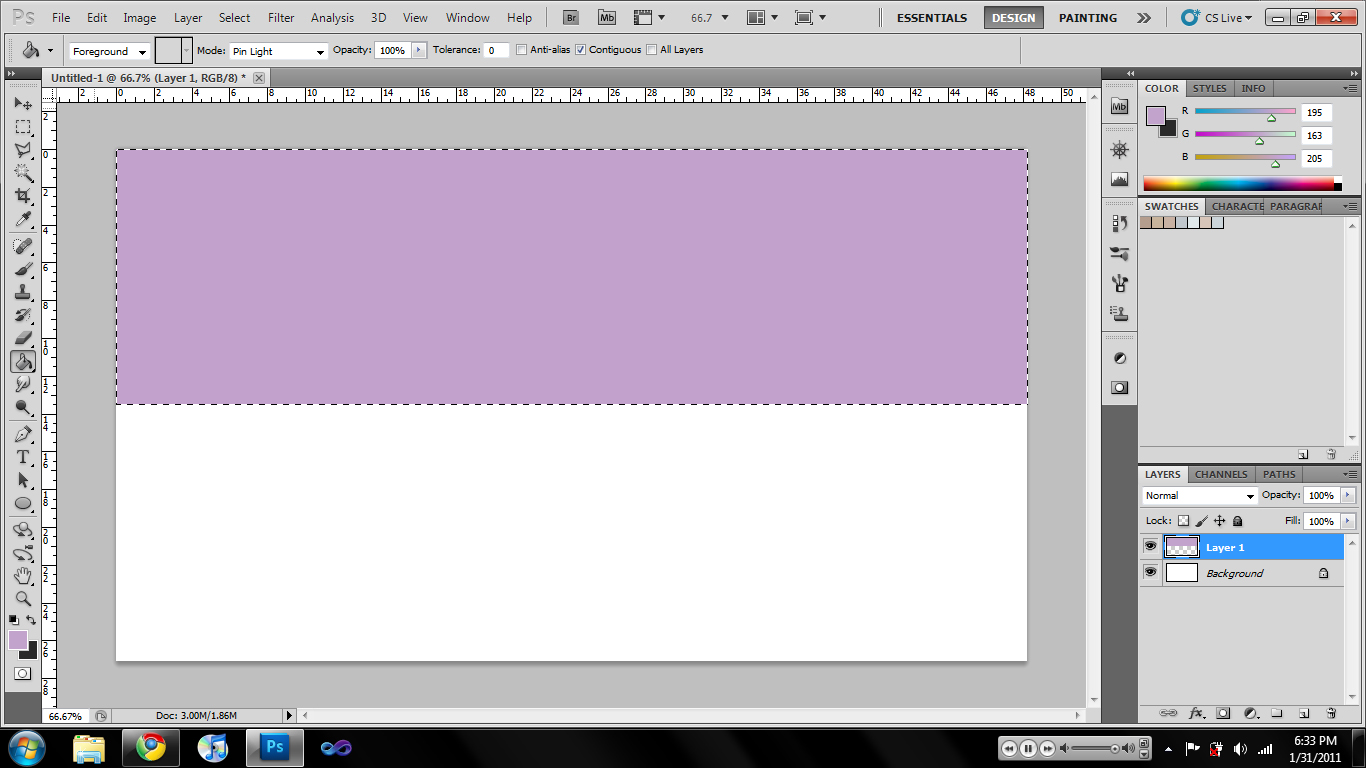
Fill that selection with your desired ray color.
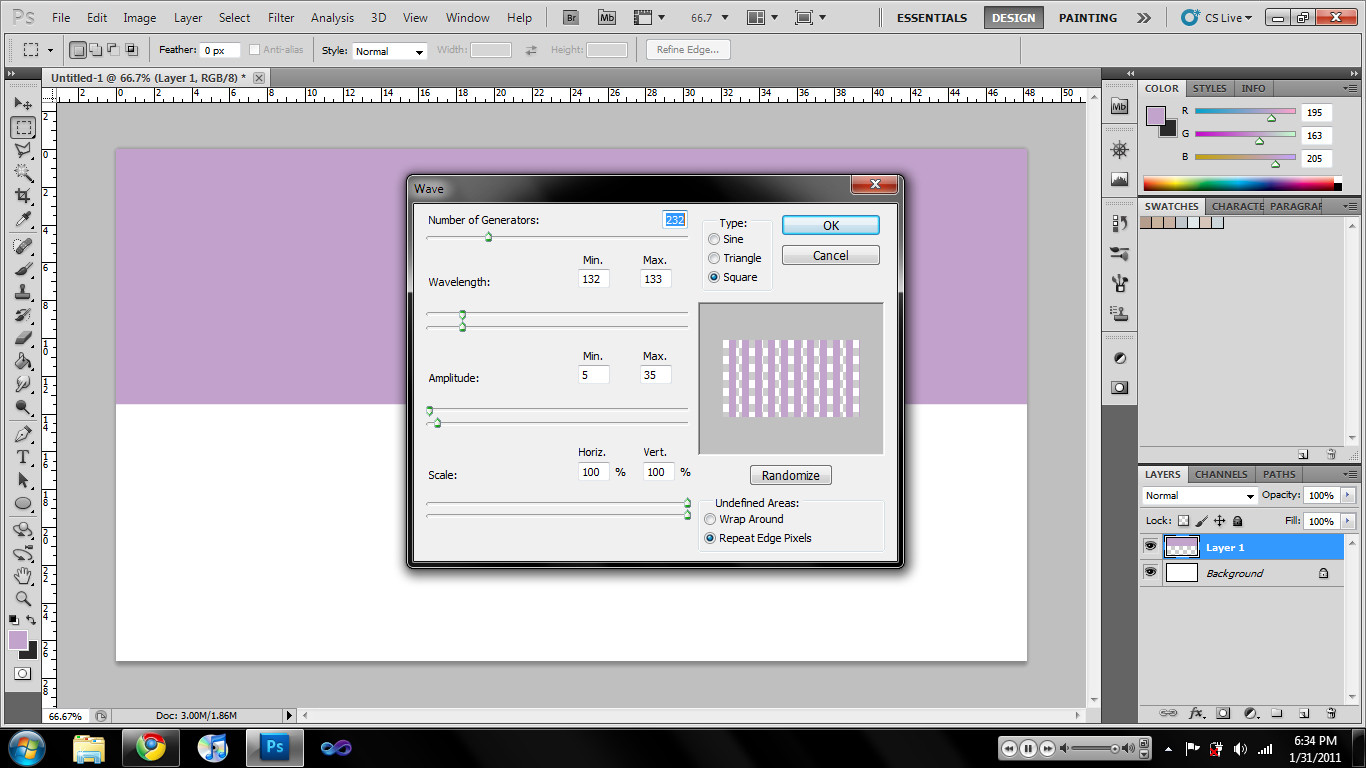
Select Filter > Distort > Wave. Select the Square type and adjust the wavelength to increase/decrease bars (max and min the same value). Apply.
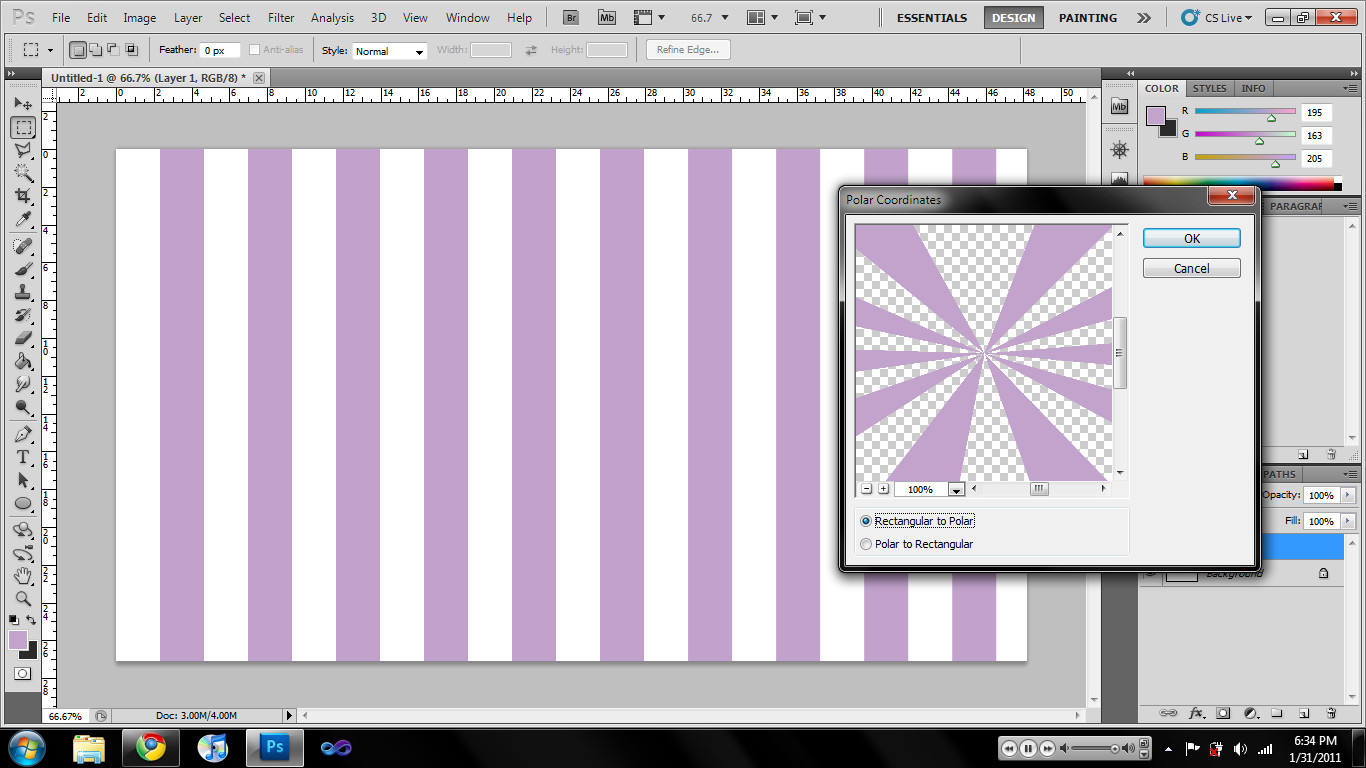
Select Filter > Distort > Polar Coordinates. Select 'Rectangular to Polar'.
Modify your generated rays. You're done. =]


0 comments:
Post a Comment